



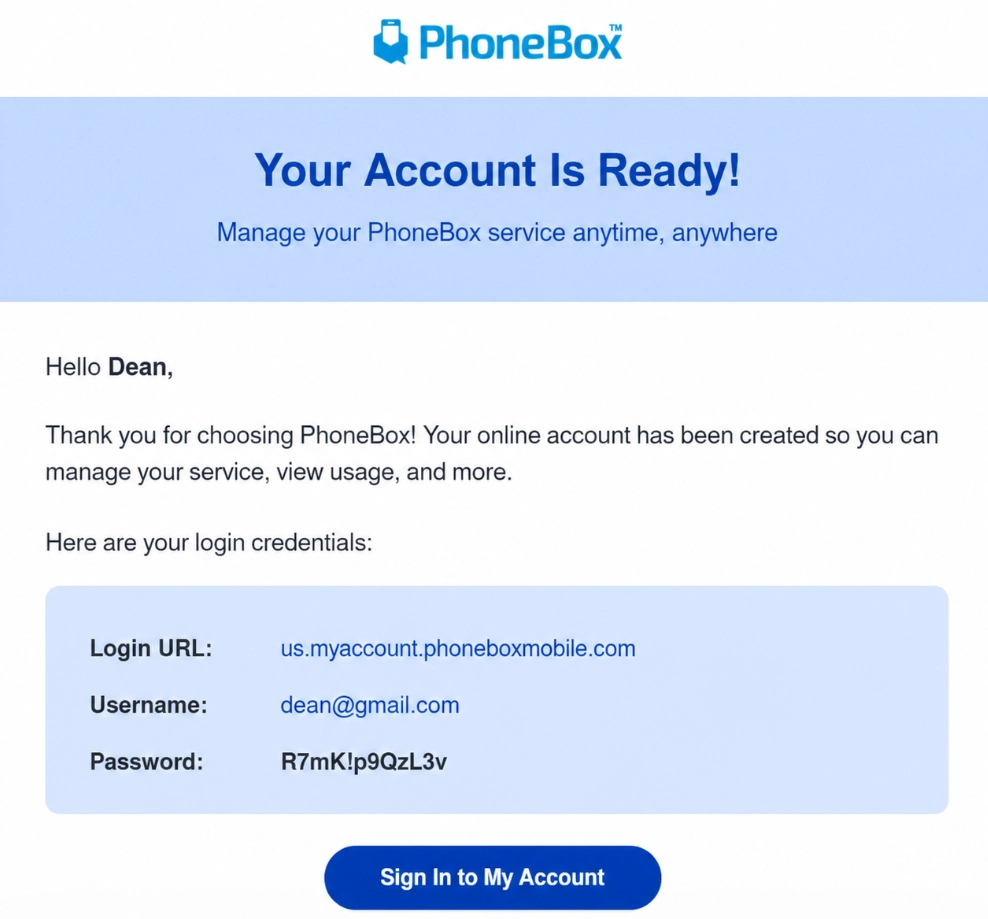
After placing your order, you will receive your Self-Serve account credentials by email. A temporary password will also be included in the email.
You can log in starting from your selected activation date. Once you log in for the first time, you will automatically be redirected to update your password.
You can log in through the Self-Serve Portal or by downloading the PhoneBox US app.
Do you still need help?
Are you looking for different information about PhoneBox? You can visit the support section, select the USA flag and read the frequently asked questions (FAQs). If you haven’t found the information you need, please contact our customer care via services@gophonebox.com or toll-free: 1-855-886-0505.
