

 Avant d’activer votre eSIM, veuillez vérifier si votre téléphone est compatible eSIM. Visitez le site web PhoneBox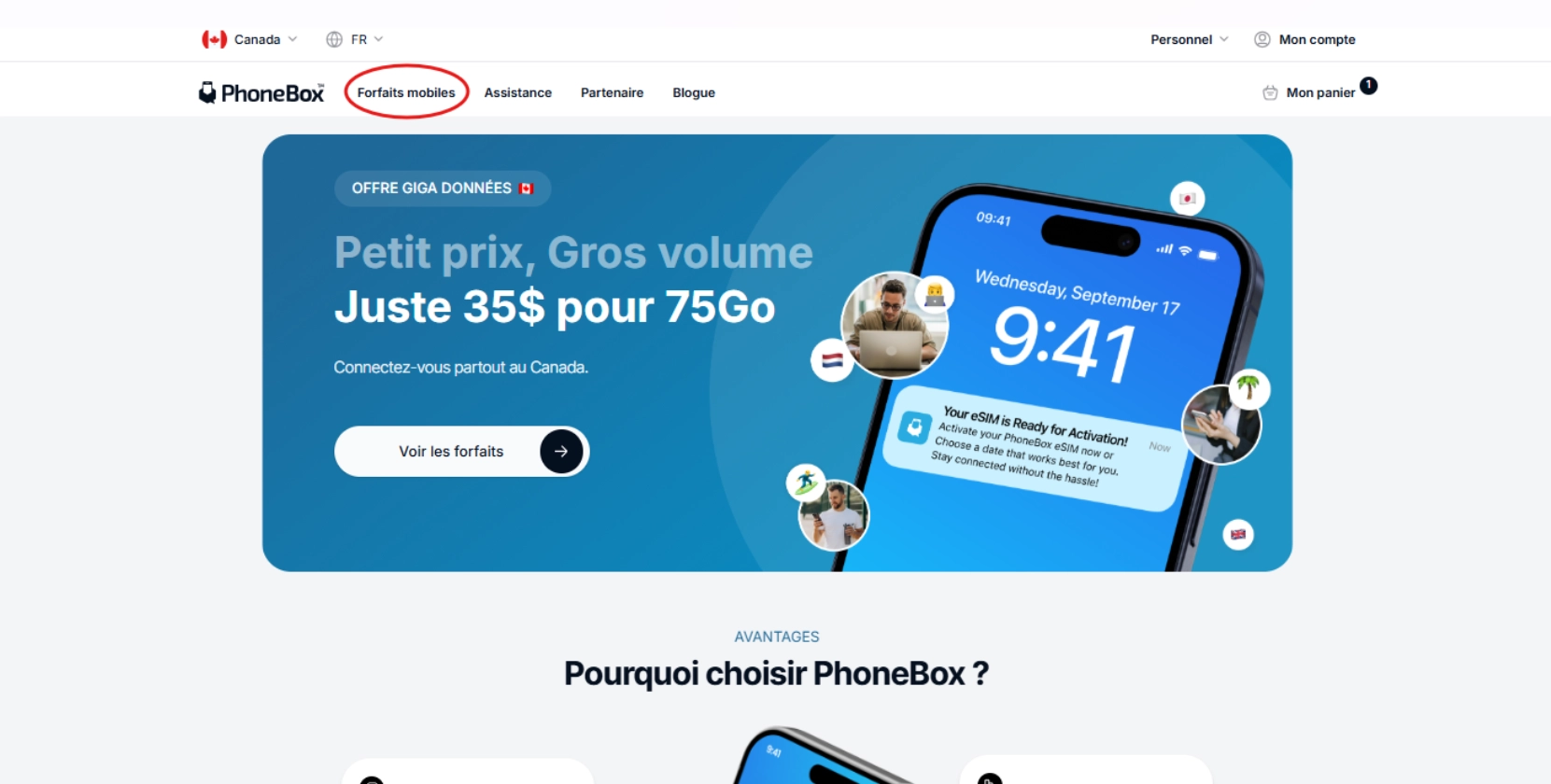
1.
Ouvrez le site web PhoneBox ou un lien affilié.
2.
Cliquez sur « Forfaits mobiles » dans l’en-tête.
3.
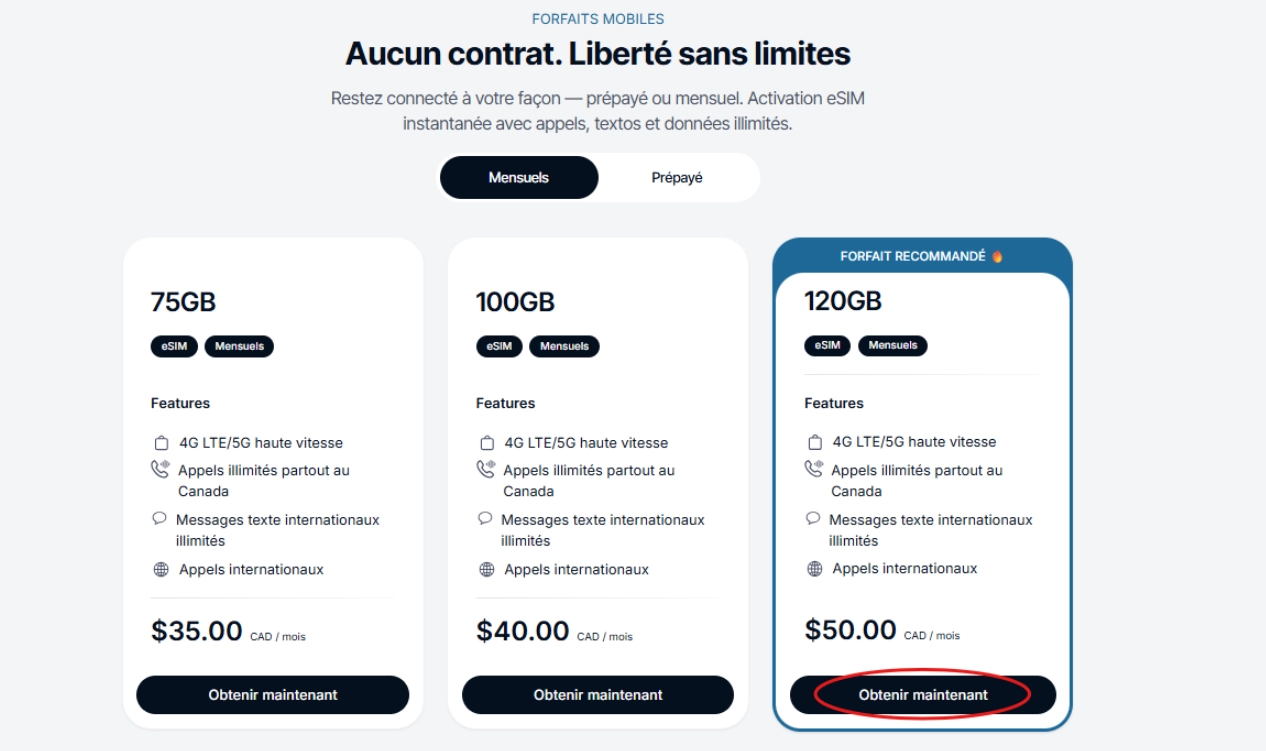
Sélectionnez votre forfait et cliquez sur « Obtenir maintenant ».
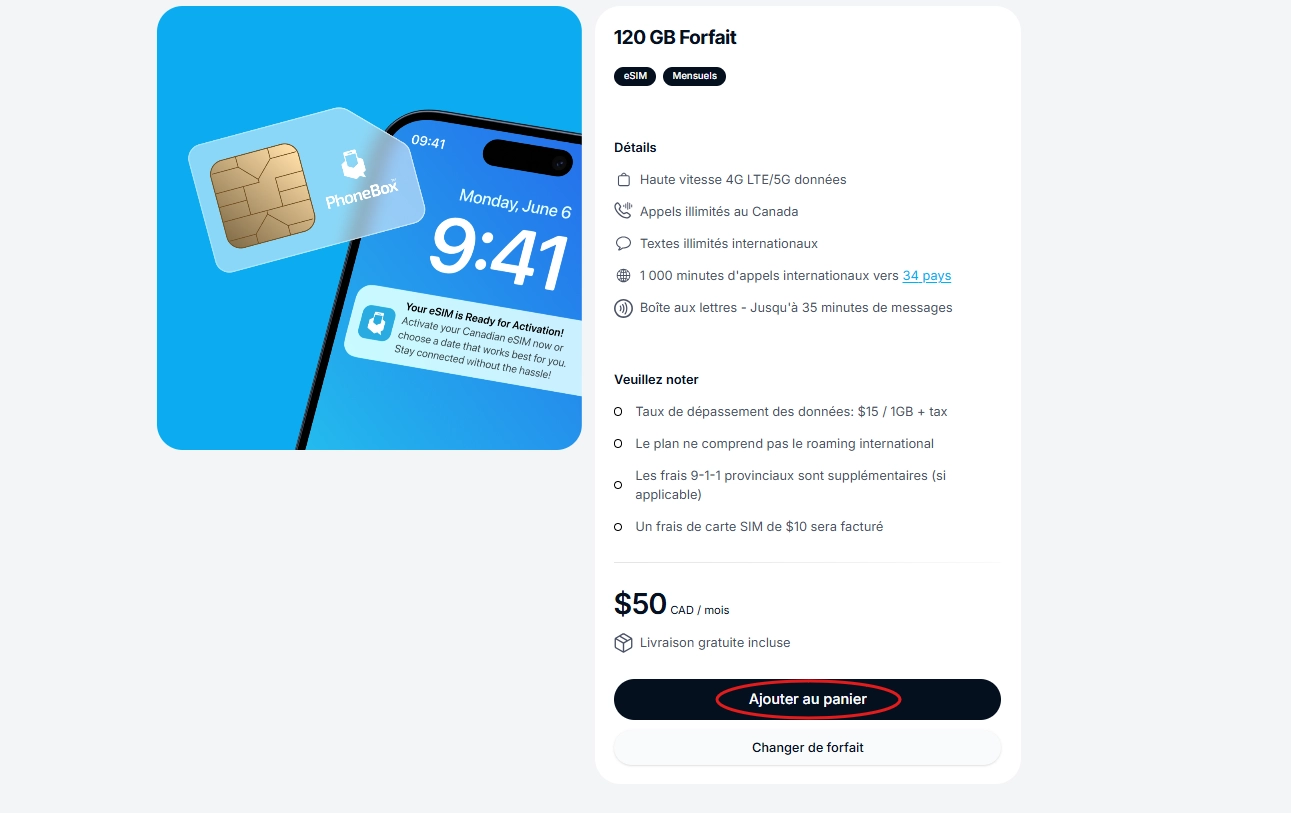
4. Faites défiler vers le bas et cliquez sur « Ajouter au panier ».
※ Un seul forfait peut être ajouté au panier.
5.
Une fenêtre pop-up apparaîtra, cliquez sur « Confirmer la commande ».
6.
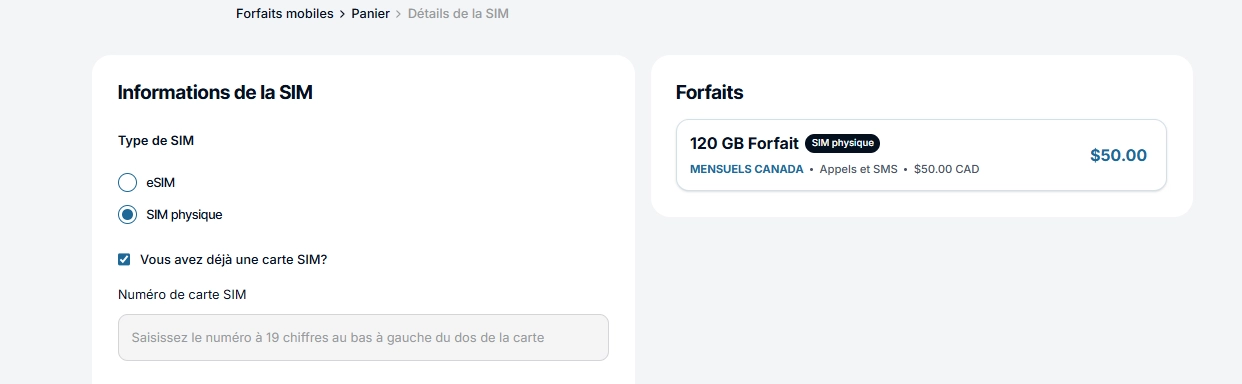
(SIM TYPE) Choose your SIM type
•
If you want an eSIM - check eSIM.
eSIM.•
If you want a physical SIM card and need it shipped - check “Physical SIM.”
“Physical SIM.”→ Please enter the delivery address (country, street address, city, state/province, and postal code).
•
If you already have a SIM card - check “I already have a SIM card.”
→Please enter the 19-digit number starting with 89.
“I already have a SIM card.”
→Please enter the 19-digit number starting with 89.•
7.
For “Do you want to port in your phone number?”, select “No, I don’t.”
8.
Account Registration
Sign in using Google or iCloud, or create an account via Sign Up.
•
If you choose Sign Up:
1.
Enter your name, email address, and preferred password, then click Send Code.
2.
Enter the OTP code and click Sign Up to complete registration.
9.
Check the agreement box and click “Proceed to Checkout.”
10.
Select your payment method and click “Continue.”
*New payment method will be available soon
11.
Enter your credit card details and click “Confirm and Pay.”
※ By clicking “Save for Auto Payment,” your monthly payments and plan renewals will be processed automatically.
